Practice
Touch typing lessons
Learn to type without looking, one small step at a time. Each lesson is a short drill. Pass it with 95% accuracy to tick it off and move on.
Click here and start typing
How it works
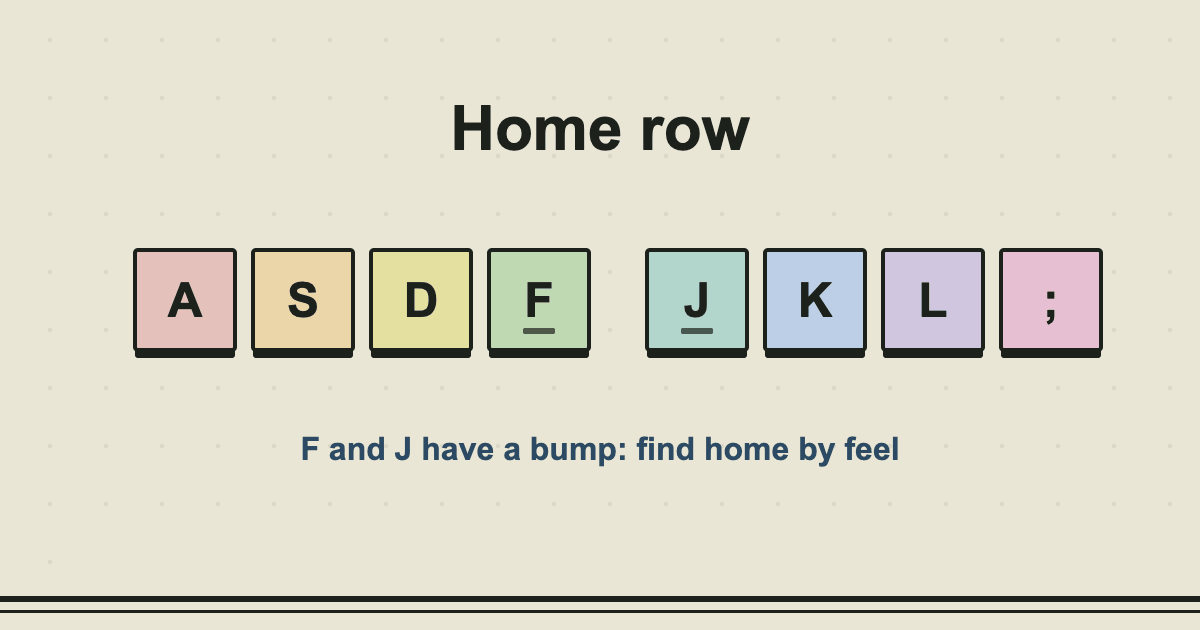
Touch typing means each finger has its own keys and you find them by feel. Beginners are usually told to rest their index fingers on F and J; the little raised bars on those keys are there to help you find home without looking.
The lessons start with the home row, where the fingers rest, then add the top row, the bottom row, capitals, numbers and punctuation. The keyboard below the text colours every key by finger, and the next key you need glows, so you can see which finger to use.
Do not rush. The goal of the first lessons is clean, rhythmic typing. Speed arrives on its own once the movements stop needing thought. A lesson passes at 95% accuracy; if you miss it, run it again at a slower pace.
Tips
- Keep your eyes on the screen. If you must look down, glance and come back.
- Use the finger shown on the keyboard even when another finger would be quicker today.
- Return to the home row after each key.
- Ten focused minutes a day beat one long session a week.
- Press Esc to restart a lesson at any time.
 Read the guideHow to learn touch typing, step by step7 min read
Common questions
How long does it take to learn to touch type?
Most people can find all the letters without looking after a few weeks of ten to twenty minutes a day. Getting fast takes longer, and it comes mainly from more practice, not from more effort.
Will I get slower at first?
Often, yes. If you currently hunt and peck, using all ten fingers properly feels slow for a week or two. The new method has a much higher ceiling, so it is worth the dip.
Do I need to type the capitals with shift each time?
Yes, and use the shift key on the opposite hand to the letter. The keyboard lights the correct shift key for you in lesson 4 onwards.
Where is my progress saved?
In your own browser only, so it is still there when you come back on the same device. Clearing your browser data removes it.
You might also like
- Number Pad PracticeTimed drills of digits, amounts and sums, phone numbers and dates, for the 10-key skill data entry jobs ask for.
- Keyboard TesterPress any key to see it light up, with its name and code. Find dead keys and check a new keyboard.
- WPM CalculatorWork out your gross and net words per minute from how much you typed, how long it took and how many mistakes.
Want a quick speed check? Take the typing test, or read what a good typing speed is.