Tools
Keyboard tester
Press the keys on your keyboard. Each one lights up on the screen, and the name and code appear underneath. A key that does not light up needs a closer look.
0 key presses · 0 different keys
How it works
Click anywhere on the page and start pressing keys. The keyboard below mirrors a standard US layout. A key turns coloured the moment you press it and stays coloured, so you can work along the whole keyboard and see at a glance which ones you have not tried yet.
The panel shows the key you pressed (what it types), its code (which physical key it is, whatever the layout) and the older numeric key code. This is handy for developers, and for checking that a new keyboard works properly.
Some keys on a laptop, such as brightness or volume, are handled by the machine itself and never reach the web page, so they will not light up here. That does not mean they are broken.
Tips
- Work along each row from left to right so you do not miss a key.
- Test the shift, ctrl and alt keys on both sides.
- Hold two or three keys at once to check for ghosting on a gaming keyboard.
- If a key does not light up, press it harder and from different angles before concluding it is faulty.
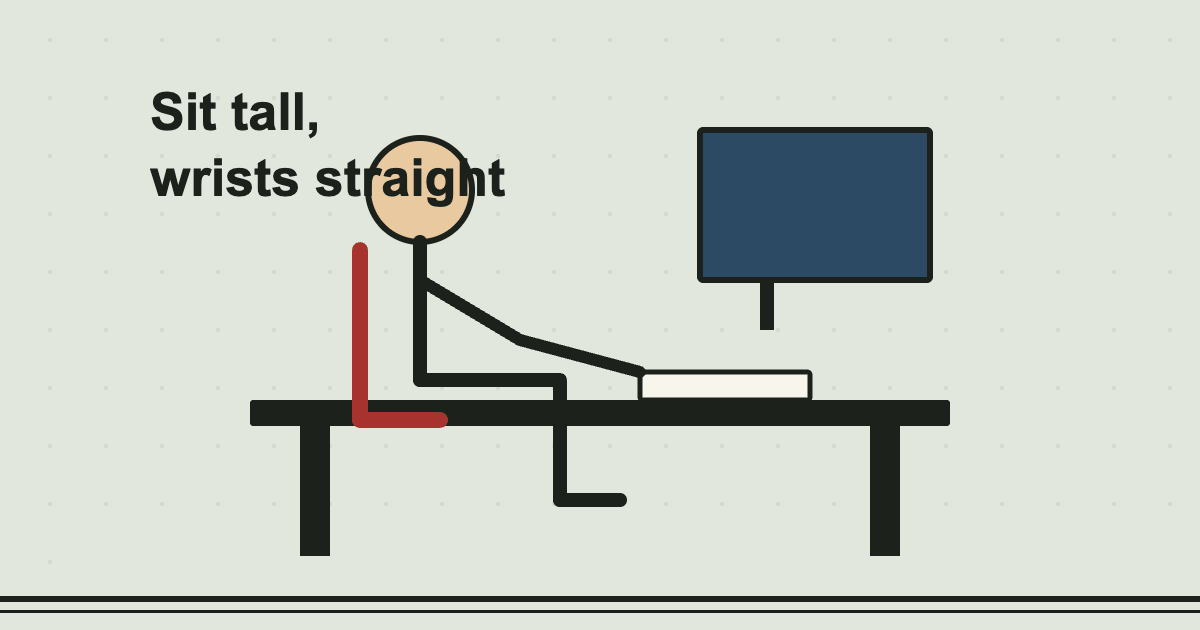 Read the guideTyping posture and ergonomics: a comfortable set-up5 min read
Common questions
Why does my key not light up?
The key may be faulty or dirty, or the browser or operating system may be using it for something else (for example a function key). Try a different browser. Laptop media keys often never reach the page.
Does this work with a non-US layout?
The drawing is a US layout, but the code shown is the physical key position, so it still tells you which key you pressed on your own keyboard.
Is anything I type stored?
No. The page only reacts to keys while you are on it. Nothing is sent anywhere.
What is key ghosting?
When a keyboard cannot register several keys pressed together. Gaming keyboards are built to avoid it. Hold three or four keys at once to see whether yours copes.
You might also like
- Touch Typing LessonsSeven short lessons from the home row up, with an on-screen keyboard that lights the next key.
- Word CounterCount words, characters, sentences and paragraphs, with reading, speaking and typing time.
- WPM CalculatorWork out your gross and net words per minute from how much you typed, how long it took and how many mistakes.
Want a quick speed check? Take the typing test, or read what a good typing speed is.