Learning
How to learn touch typing, step by step
Touch typing is typing without looking at the keys, using all ten fingers. It sounds like a big skill, but it is learned in small pieces, and most people who stick with it for a few weeks never go back.
Step 1: find home
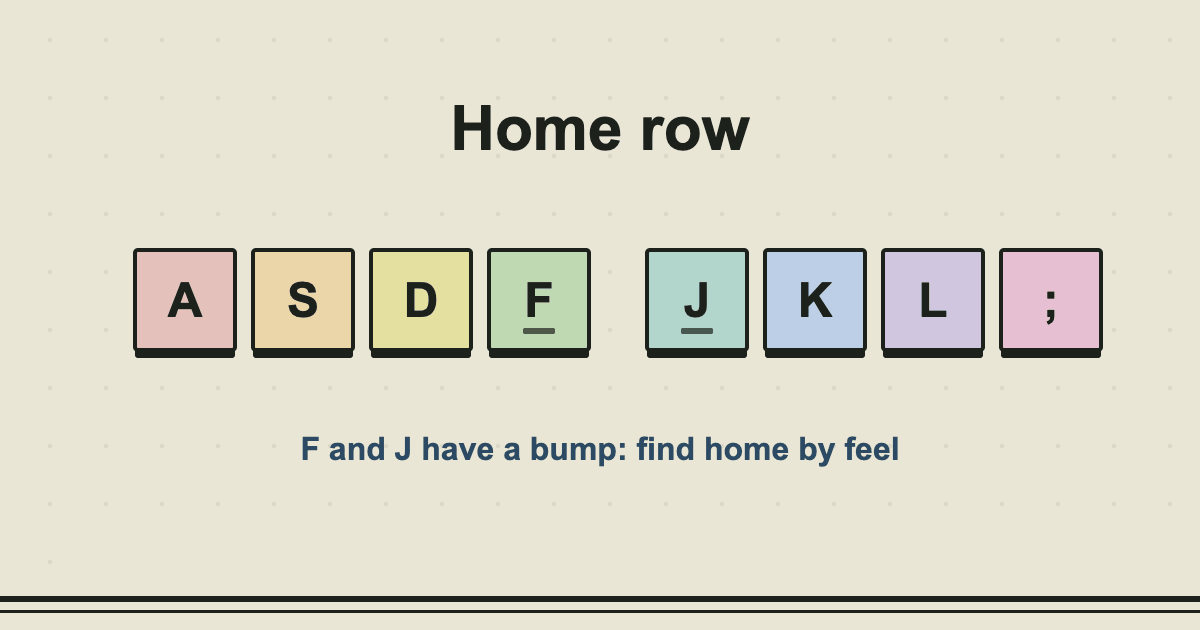
Rest the fingers of your left hand on A S D F and your right hand on J K L ;, with thumbs on the space bar. The keys F and J have a small raised bar so you can find them by feel. This is the home row, and every other key is reached from it.
Step 2: one finger, one set of keys
Each finger looks after the keys in its own column. The left little finger takes Q, A and Z, the ring finger takes W, S and X, the middle finger takes E, D and C, and the index finger takes R, T, F, G, V and B. The right hand mirrors this, with the right index finger also covering Y, U, H, J, N and M. The keyboard on the lessons page colours the keys by finger.
Step 3: add rows slowly
- Home row only, until you can type it without looking.
- Add the top row (Q to P).
- Add the bottom row (Z to M).
- Add capitals with the shift key on the opposite hand.
- Add numbers and punctuation last, because they are the hardest reaches.
Do not move on because a lesson is boring. Move on when you can pass it at 95% accuracy.
Step 4: do not look down
This is the hardest part. Looking is a habit, and your brain will keep asking for the shortcut. Some people put a cloth over their hands, or tilt the screen so the keyboard is out of sight. If you do slip, look quickly and bring your eyes straight back, and do not stop the exercise.
Step 5: practise little and often
Ten to twenty minutes a day is better than a long weekend session. Your fingers learn the pattern while you sleep, and the next day is easier. Most people see real progress within two to four weeks.
Common mistakes
- Going too fast too soon. Errors practise the wrong movement. Slow down until it is clean.
- Using the "easy" finger. The wrong finger is quicker today and a ceiling for life.
- Lifting the whole hand. Let the fingers move, and keep the hands still and relaxed.
- Skipping the number row. It is the one that people avoid, and the one that jobs test.
Is it worth it?
For anyone who types every day, yes. It is one of the few skills that pays back in time saved, again and again, for the rest of your working life. Start with lesson 1 and see how it feels after a week.
Read next
- What is a good typing speed?6 min read
- How typing speed is calculated5 min read