Speed
What is a good typing speed?
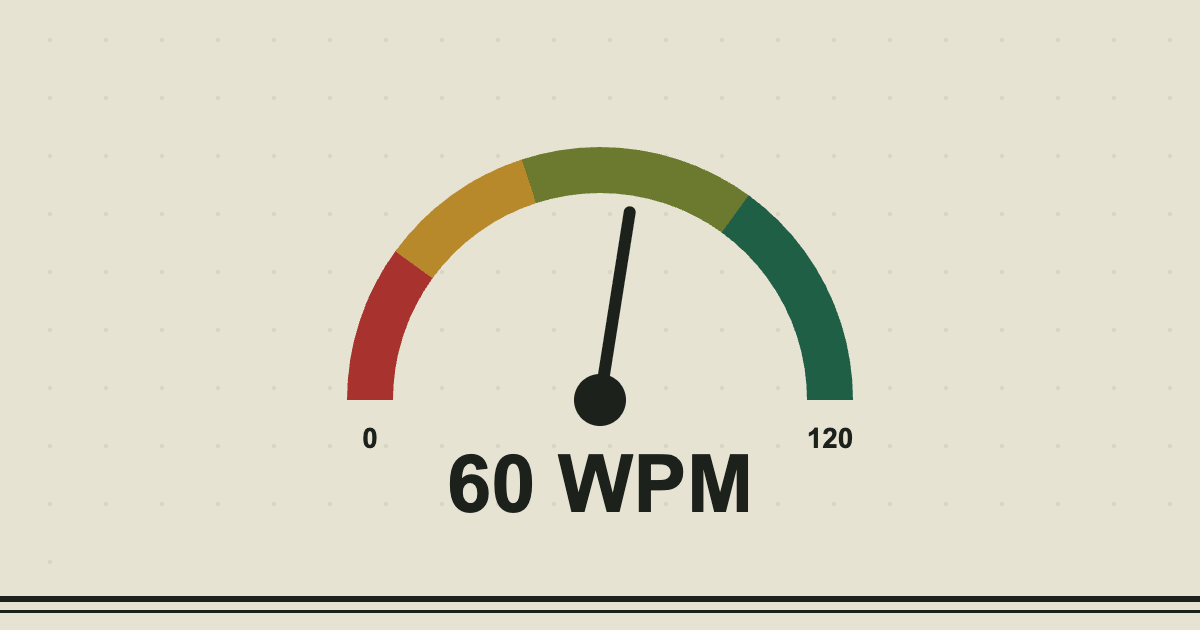
"How fast should I be typing?" is the first question almost everyone asks after their first typing test. The honest answer is that it depends on what you need your typing for, but there are some useful rules of thumb.
The rough scale
| Speed (net WPM) | Level | What it feels like |
|---|---|---|
| Under 20 | Beginner | Looking for each key, usually one or two fingers |
| 20 to 39 | Below average | Some touch typing, frequent glances at the keys |
| 40 to 54 | Average | Comfortable for emails and messages |
| 55 to 74 | Good | Fine for most office work |
| 75 to 99 | Fast | Typing keeps up with thinking |
| 100 and over | Very fast | Usually years of practice or heavy daily use |
These bands are the ones the WPM calculator uses. They are a guide rather than an official standard.
What does the average person type?
Commonly quoted figures put the everyday average at about 40 WPM. A large 2018 study of typing by volunteers, run by researchers at Aalto University and the University of Cambridge, found an average of around 52 WPM, with a very wide spread between slow and fast typists. Younger people and people who type a lot for work tend to be at the top end.
Speed is not the whole story
A person who types 70 WPM with 90% accuracy spends a lot of time going back to fix things, and is often slower overall than someone who types 55 WPM at 98%. That is why net speed, which takes mistakes off, is the number to watch. Aim for 95% accuracy or better before you chase a higher speed.
How much do you actually need?
- Studying or writing at home: 40 WPM is plenty. The limit will be your ideas, not your hands.
- Office work: 50 to 60 WPM means typing is never the slow part of the day.
- Data entry, transcription and similar jobs: advertisements often ask for 60 to 80 WPM or more, and for high accuracy. The jobs guide goes into this.
- Programming: speed matters less than accuracy with symbols, because you spend a lot of time thinking. 40 to 60 is common.
Compare on the same footing
Different tests give different numbers. Random common words are easier than text with capitals and punctuation, which are easier than code or numbers. When you compare yourself with a friend or a past score, use the same mode and the same length of test.
What to do next
Take the test on the home page a few times to find your baseline, then use the lessons if you are looking down at the keys. The guide to typing faster has the habits that make the biggest difference.
Read next
- How typing speed is calculated5 min read
- How to learn touch typing, step by step7 min read